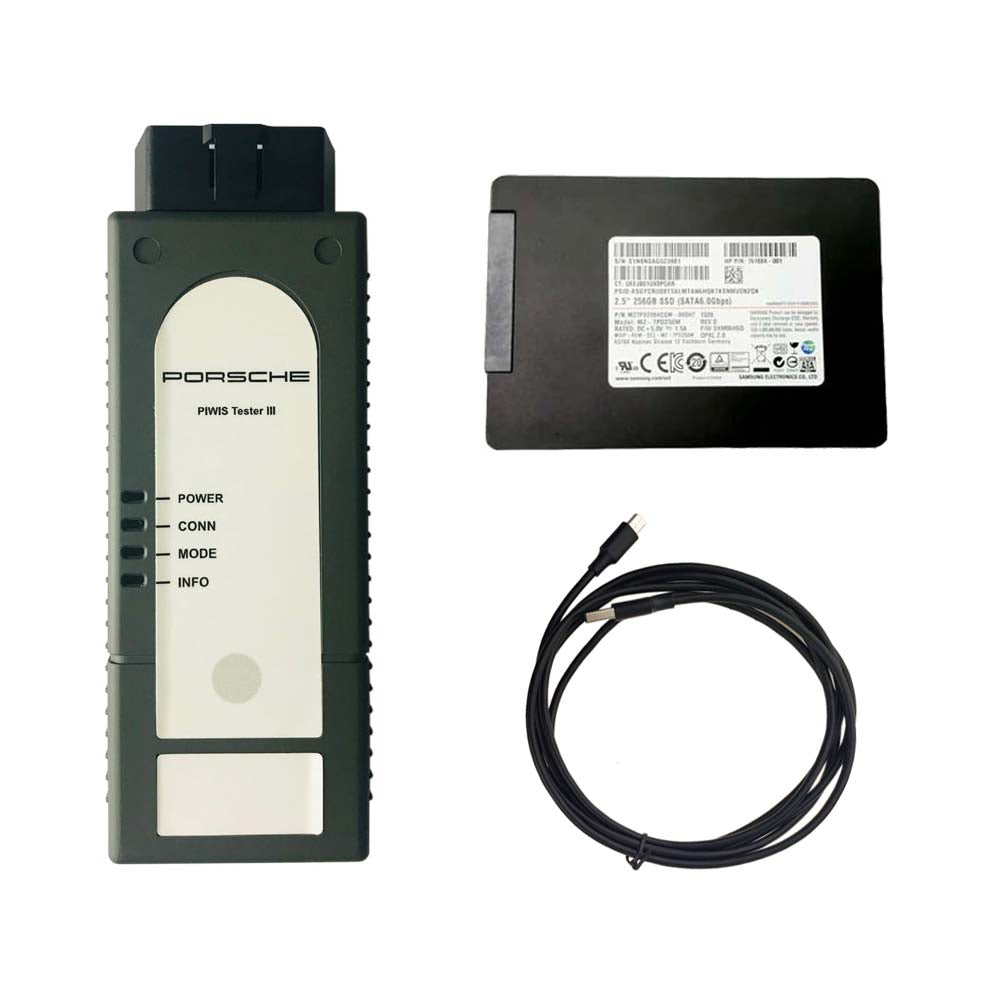
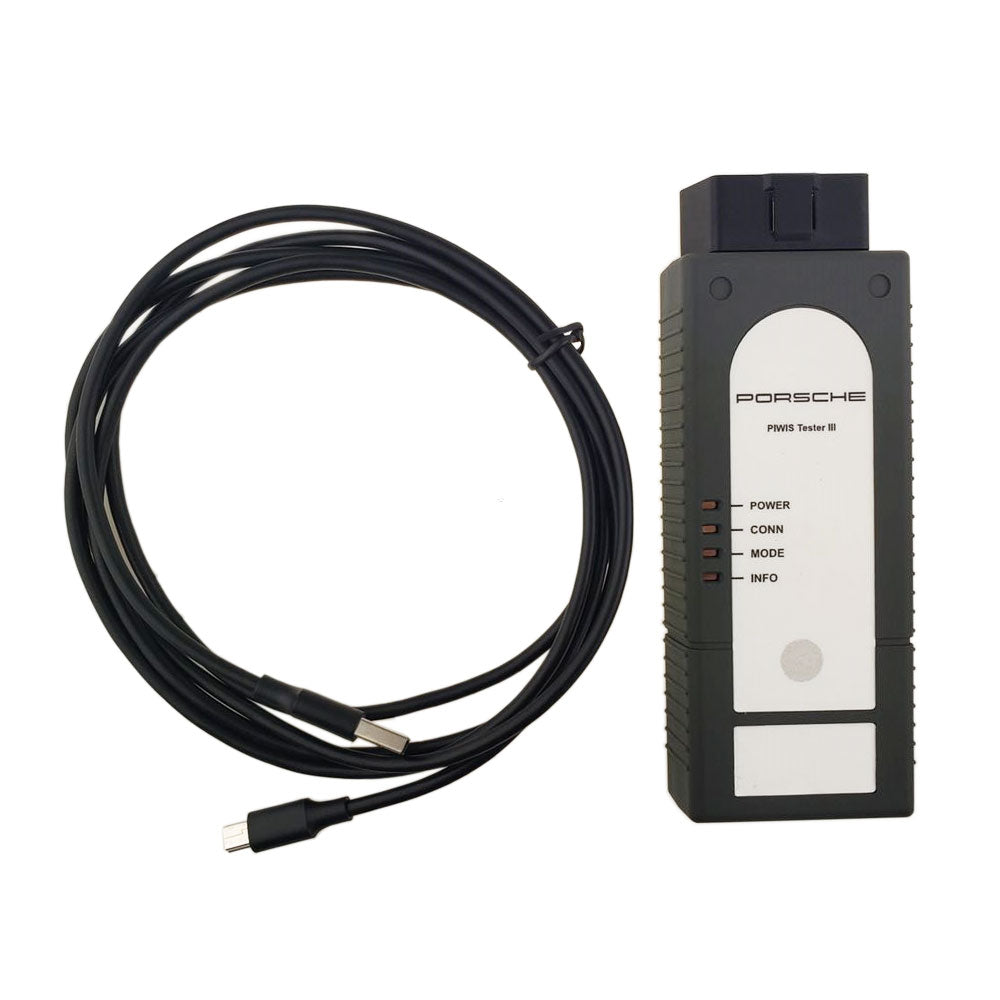
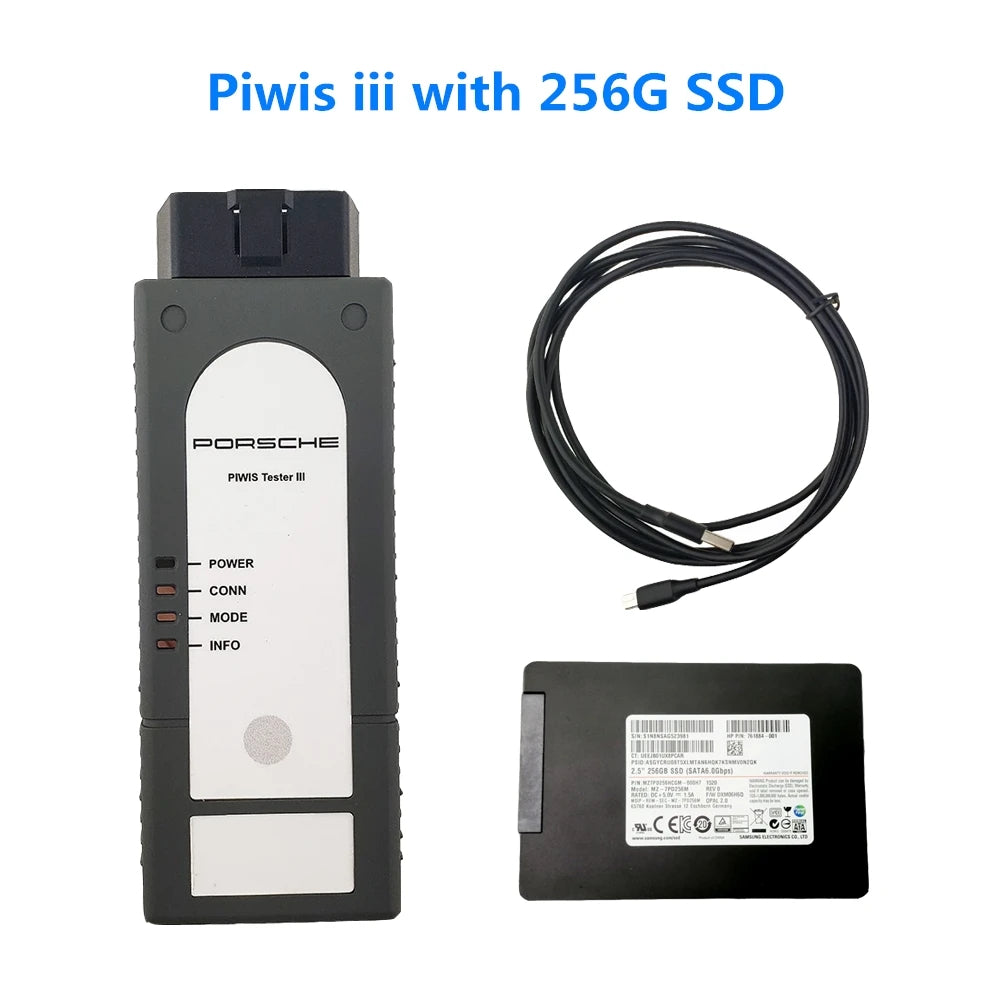
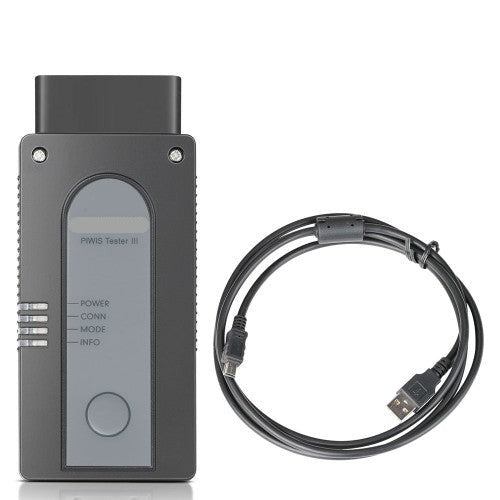
Piwis 3 software works with VXDAS Piwis 3 diagnosis and programming.
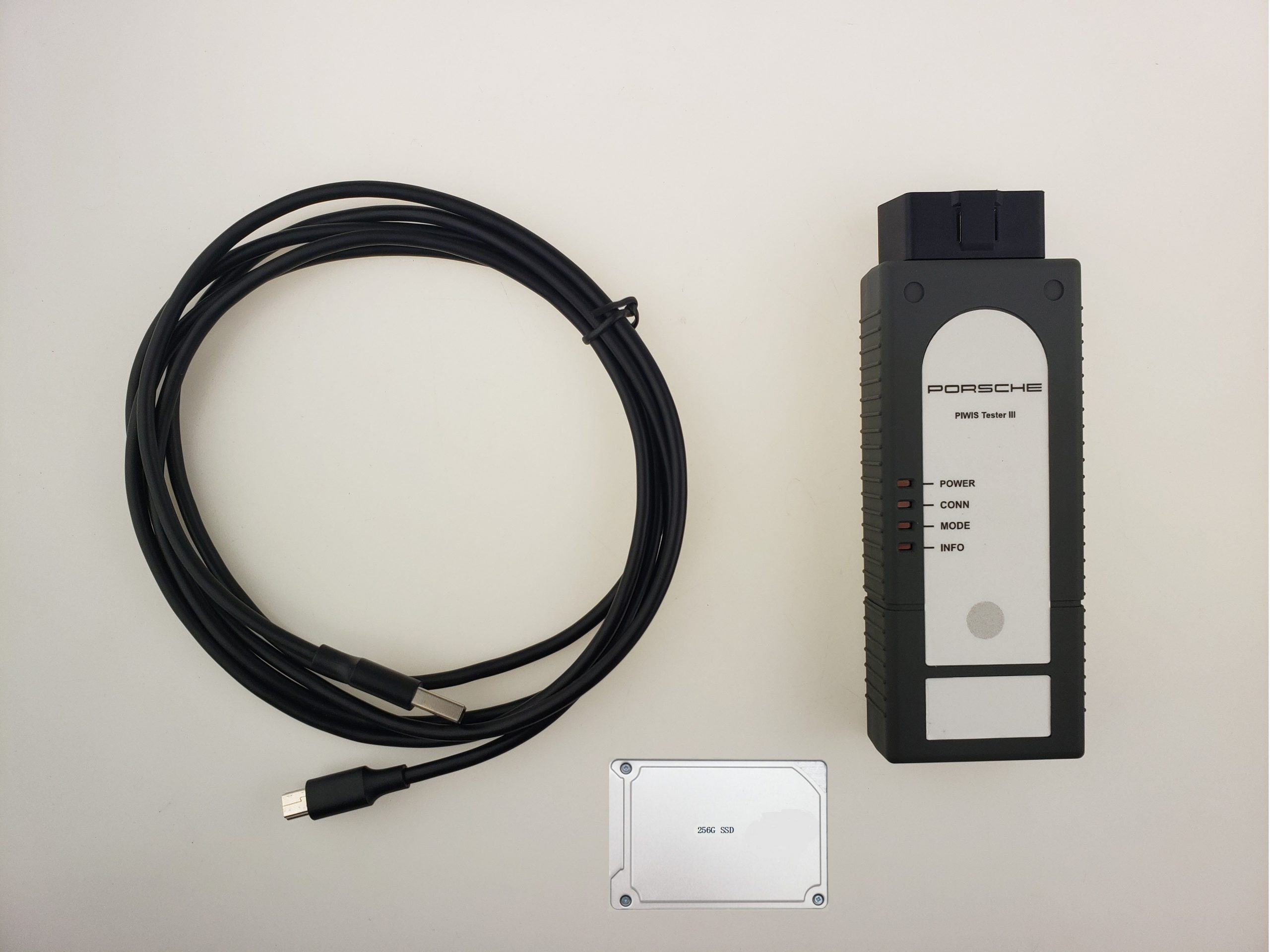
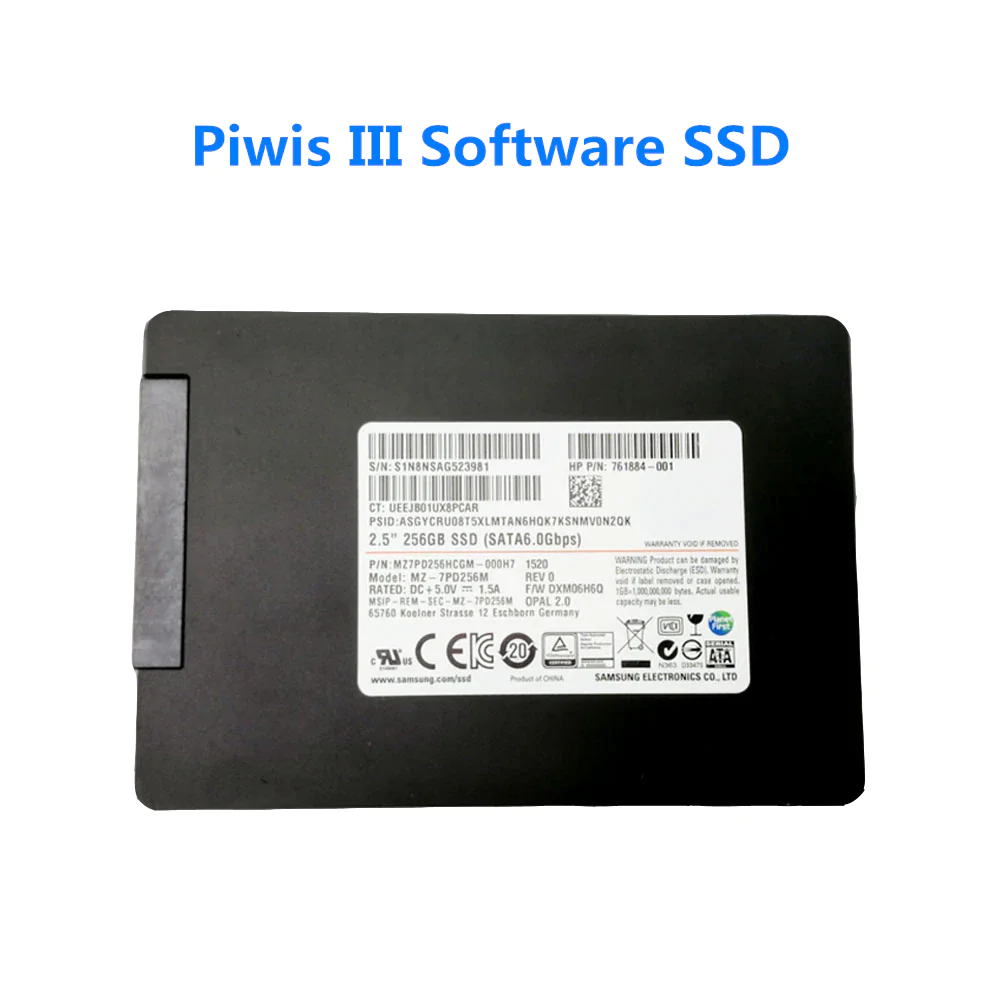
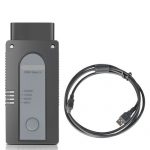
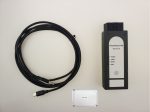
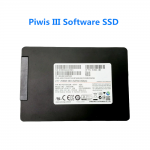
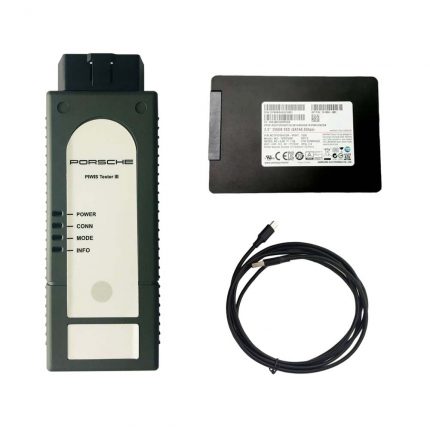
VXDAS offers Piwis 3 PT3G VCI and Piwis 3 software SSD native-installed V42.4 & V38.3 with engineering software.
Piwis III Support Diagnosis and Programming till 2023
Why choose Piwis Tester III:
- It can read trouble code, clear trouble code, shows ECU information.
- It test live data, display actual values, and programs.
- It process malfunction navigation, showing all interior circuit diagram.
- The PiwIs Ill has original oscillometer and multi-meter Function.
- Piwis III With Piwis III Software for Porsche Cars diagnostic & Programming.
- Piwis III with developer mode software cover all piwis 2 functions.
- With New DolP Ethernet diagnostic technology, Supports Porsche Models after 2002.
Piwis III Software Details:
1. Software Version: 38.3+42.4 Dual system
Dual System All include Engineering Software, support online and offline programming.
Online programming need online account.
2. Functions: Read and remove faulty code, diagnosis, Programming, wire diagram, etc.
3. Support Vehicles: All cars till 2023
4. Support Language: German, English, US English, French, Italian, Spanish, Japanese, Chinese, Russia, Portuguese, Netherlands
5. Connection: USB/Wifi (only Premium version )
6. Windows System: Win8 64bit
7. Warranty: One Year
8. Update Method: Via SSD (send back to update, or get a new one)
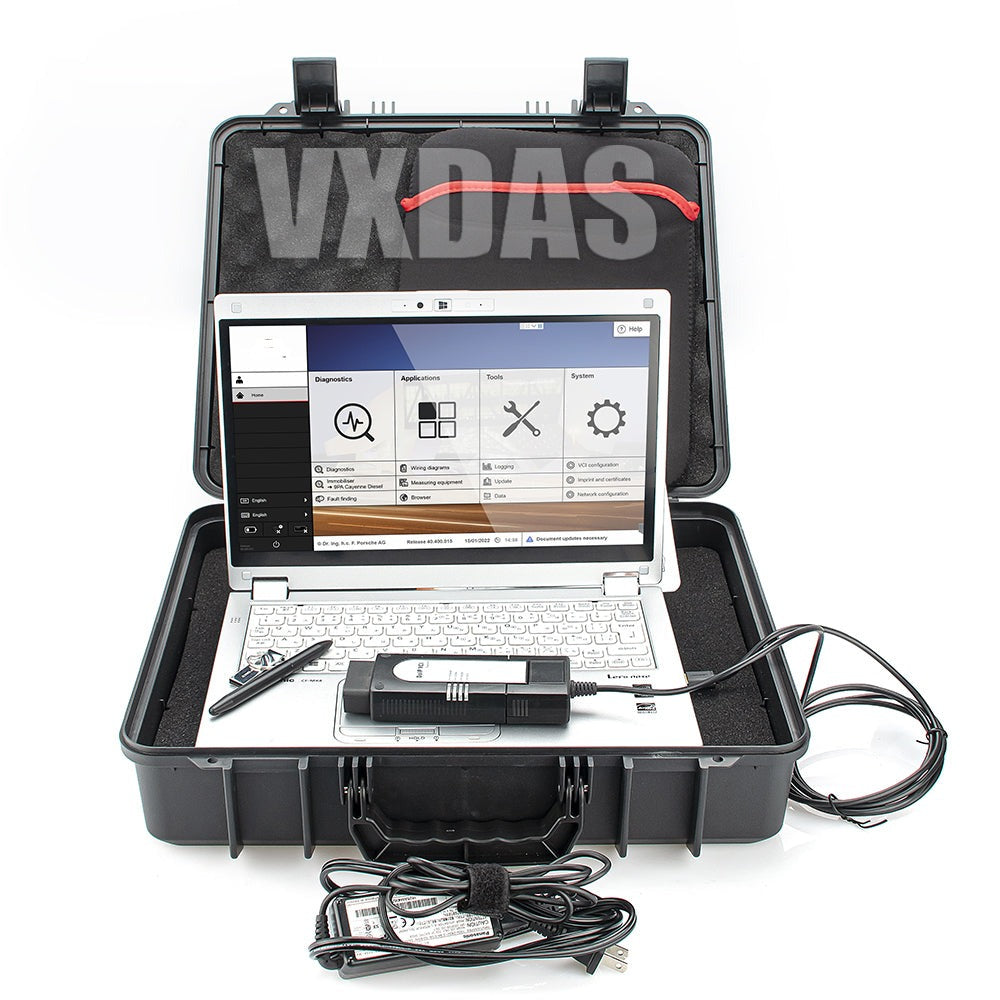
9. Laptop Request: 1920×1080 high-resolution is necessary, have AHCI hard disk mode to boot, or the software cannot show completely.
VXDAS Piwis 3 User Tips:
1. Please do not copy the hard driver, otherwise it will not under warranty.
2. Please use this Piwis 3 Software SSD as the internal disk to boot the laptop, Please do not connect to the laptop by USB.
3. You must need to use piwis 3 hard disk drive to work with Lenovo Yoga S1 i5 8G laptop or Lenovo Yoga12 i5 8G laptop.
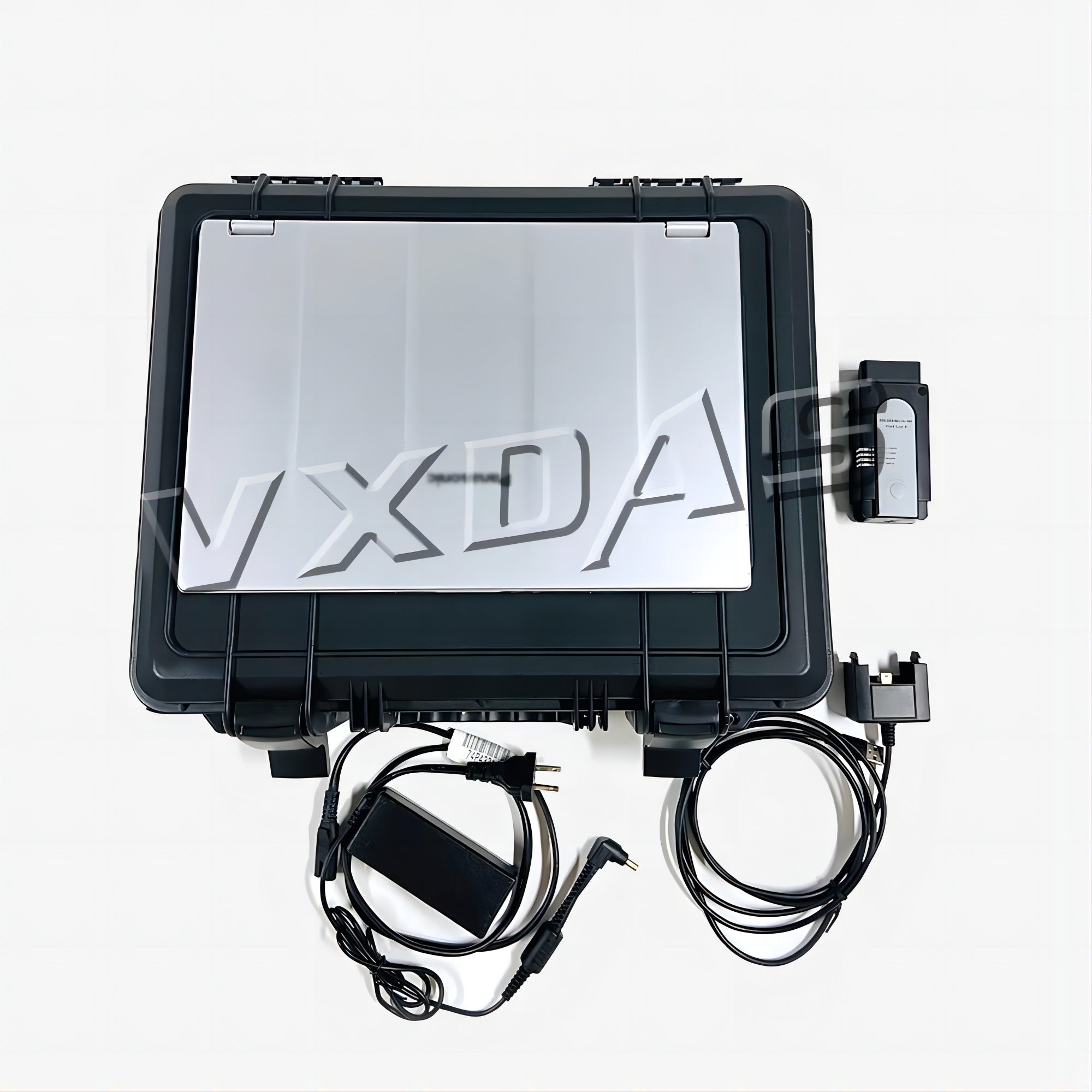
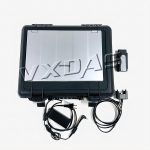
4. This is Piwis 3 hardware with software without a laptop, if you‘re not familiar with laptop configuration, can not get them for working smoothly. VXDAS recommends getting the complete kit as below.
Piwis 3 Comparison from VXDAS.com?
SP36-4/sp39 VS SP44-4 VS SP46-2
PIWIS III Main Functions:
1. Diagnostics application
It is used for communication with control units. You can search for, identify, code and control program units, read out the event memory, execute complex processes, change drive links and execute routines.
2. Guided fault finding (GFF)
Generates a test plan for a fault code. This test plan shows the best sequence for carrying out tests. GFF compiles a list of recommended tests, documents and wiring diagrams
3. Actual values/input signals functions
Displays you the actual values and input signals of control units
4. Drive links/tests function
Displays the drive links of control units, allows you to change the parameters of these drive links and run test routines for individual control units
5. Maintenance/repairs function group
Use this function to call up control unit-specific processes that cannot be implemented generically from the ODX data
6. Coding/programming function group
Use this function to write coding values. Values can be coded automatically or set manually. This function group includes (Automatic coding, Manual coding, Customer-specific settings and Factory settings) coding modes
7. Logging
Use this function to activate logging for diagnostics, guided fault finding (GFF) and measuring equipment applications. Temporary and permanent working log can be created
8. Filter
Use this function to limit the view of the control units installed in the vehicle. In the diagnostic application you can create, edit, activate, deactivate or assign filters
9. Wiring diagrams application
This application is the representation of physical connections and layouts of circuits


Piwis III Supports Car List:
All from 2000 till 2023 (recommend to work with cars after 2012):
911(997) (991)
Boxster/Cayman (987)
Cayenne up to MY 2010
Cayenne from MY 2011
Panamera
Especially the latest models:
Panamera (971) 2018
Cayenne (92A) 2018
Macan (95B) 2018
911 (991) 2018
and other old models
FAQ
Q: Can it be used with virtual tester
A: Support, all the pw3 we sell support this function








Illulins –
piwis 3
my piwis 3 order here work with my own Panasonic laptop perfect, very good support remotely by vxdas
Mr. Phil –
OEM PIWIS III
GLAD TO HAVE IT BEFORE CHINA HOLIDAYS. FINISHED MY TEST IN PARAMERA 971, SYSTEM WORK SMOOTH, THANKS FOR THE QUALITY TOOL AND FAST DELIVERY, GOD BLESS YOU
Joseph Campos –
Good tool
The Piwis III is ok, just takes too long for delivery, luckily the package arrive safely. i know it’s coronavirus, hope my next order can be faster, anyway the service i feel good they told me before for the shipment, thats good for me
ben –
question about piwis 3 update
Hello, can I use my own laptop with this piwis 3? Do I need any additional hardware/software besides a laptop? Also piwis 3 update is needed for different car in the future, is that possible/how does it work? Thanks
r s –
good
piwis 3 system works on my 981. got the gt steering and Ptv and checked for overrev reports/ DME. Trust in vxdas, they know piwis very well.
Terry –
Piwis 3 full set ready to use
the Piwis 3 offers advanced programming and coding capabilities. It enables me to perform various programming tasks, such as ECU coding, key programming, and module adaptation. The intuitive interface and user-friendly navigation make the programming process smooth and efficient.
Lincoln –
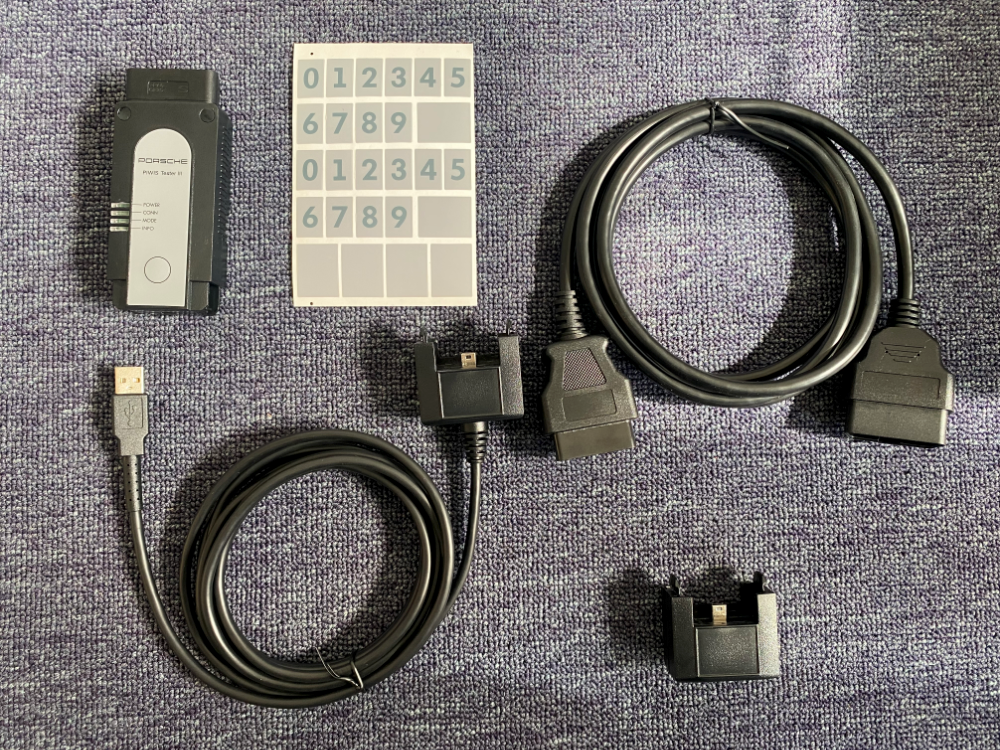
I figure out piwis 3 stickers in the box
I contacted VXDAS and they pointed out where the piwis3 stickers and computer stickers were hidden. Now I have found the stickers. VXDAS said that the stickers need to be hidden when passing through customs.
James –
piwis3 home setting can not change to company
I want to set this home to a company, but VXDAS tells me that this cannot be set, and there is no need to set it to a company. I can use the piwis3 software and equipment to make Porsche cars normally.
Bennett –
piwis 3 remote by team viewer
I have used my piwis 3 for 2 years and now it has a problem. I need to send teamviewer to remotely connect VXDAS to my laptop to solve the problem. At the same time, I also need to connect to the car. Now everything is going well
Cameron Clanton –
Nice scanner
Very happy with the product so far